


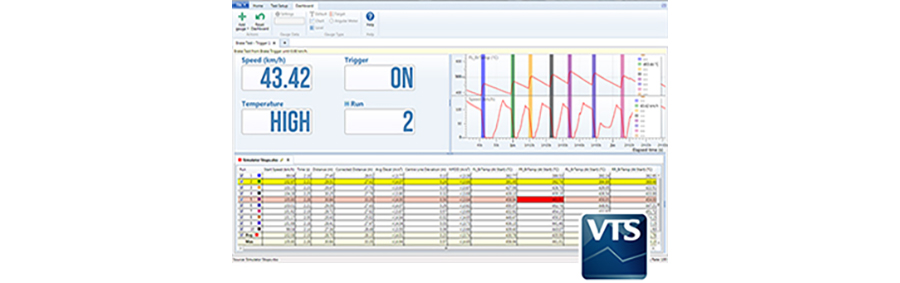
VBOX TEST SUITE (VTS) - WORKSPACE
Workspace
The workspace is an area that has been designed for non-test specific file analysis and is automatically loaded every time the software is launched. The Workspace can be used in both 'Offline' and 'Online' modes and contains 3 main areas.
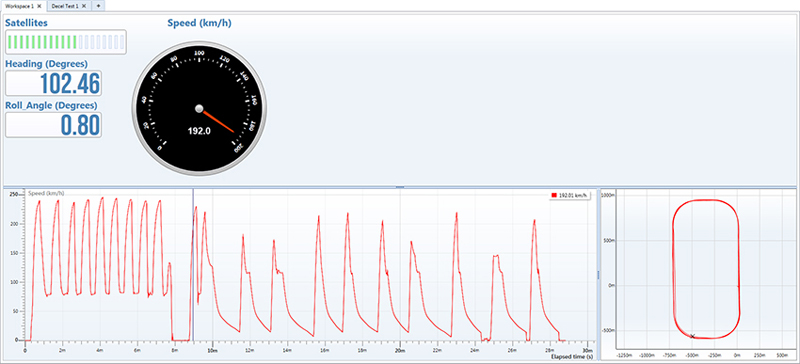
The Chart area
The chart area is an area that allows the user to see a graphical representation of the data contained within a file.
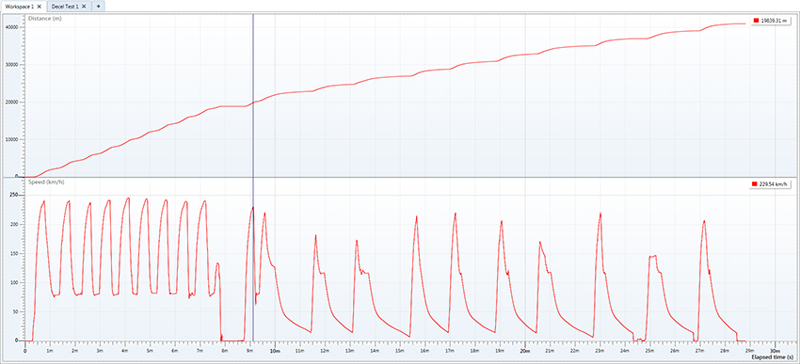
Any channel (e.g. Speed against Time) can be set as X/Y axis, and multiple channels and files can be overlaid.
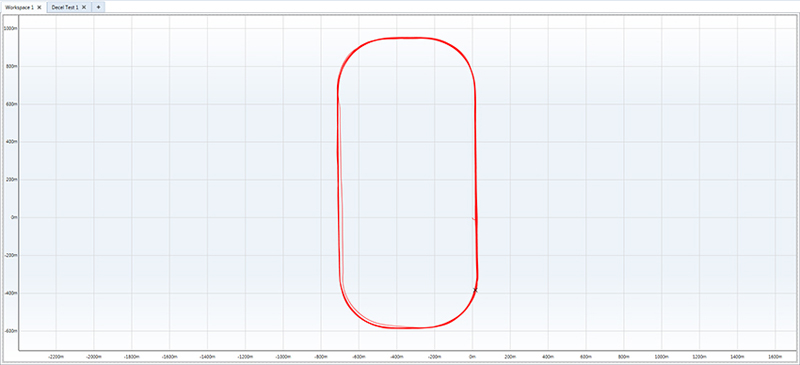
The Map Area
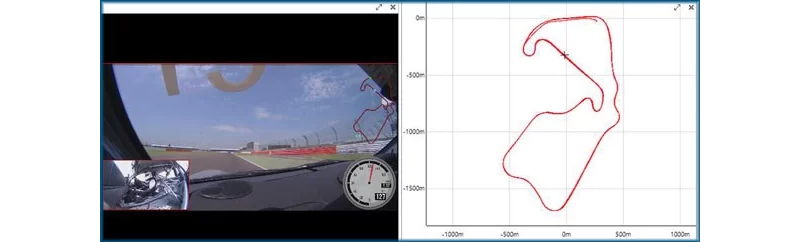
The map area shows a positional trace of the path taken during testing.
Check out our online tutorial on VBOX Test Suite - Basics.
The Video Area
The video area will be populated with footage when the data file was logged by a video data logger. This allows you to see what is happening on the test track at any given point within your data.
Check out our online tutorial on VBOX Test Suite - Basics.